

Install Albanian TV App on Amazon Fire TV Stick
Downloading NimiTV app for Fire TV is quick and easy. Please follow the installation steps below.
Download NimiTV app for Amazon Fire TV

Install it on your device
Watch national television in HD
Instructions for Installing NimiTV App on Amazon Fire TV
Open Fire TV and Search
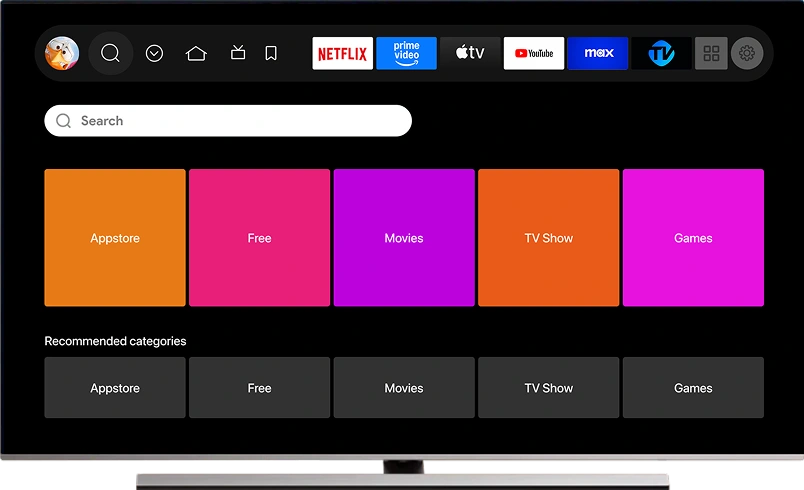
Turn on your Amazon Fire TV. Select the Search option at the top left side at the top of the screen.
In the search field, type NimiTV and confirm to find the app.
Download and Install the App
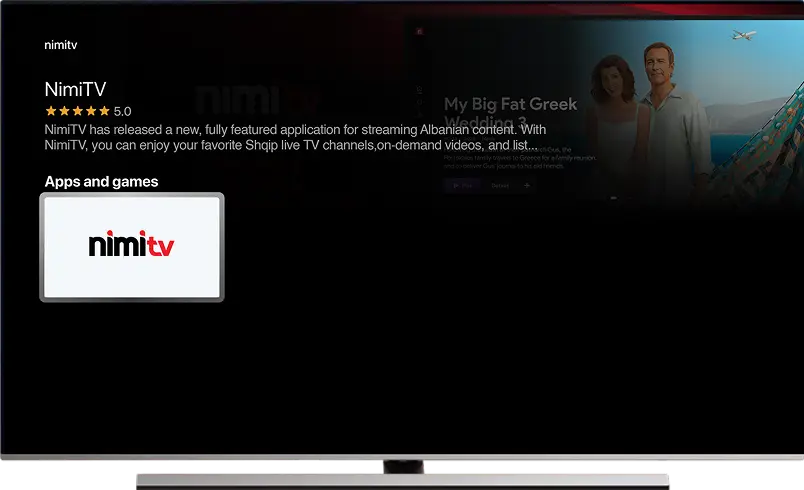
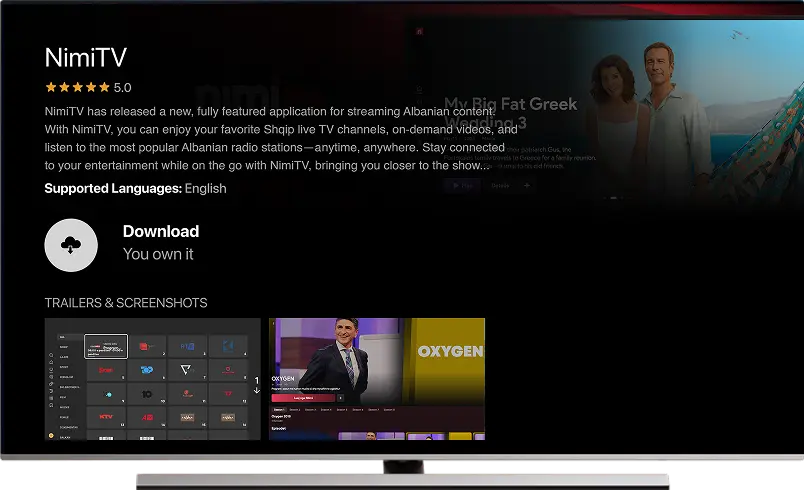
When NimiTV app appears on the screen, select it to download and install it on your Amazon Fire TV Stick.
Open the App and Sign In
After NimiTV app has been installed, open it and enter your username and password to sign in.
For information on how to watch Albanian TV with NimiTV app on other devices, please visit the page listing all devices supported by NimiTV.