

Install Albanian TV App on Apple TV
Downloading NimiTV Albanian TV app for Apple TV is simple. Please follow the installation instructions below.
Download NimiTV app for Apple TV

Install it on your device
Watch national television in HD
Instructions for Installing NimiTV on Apple TV
Open the App Store and Search for NimiTV
Select the App Store icon from the main Apple TV menu and open it using the remote control.
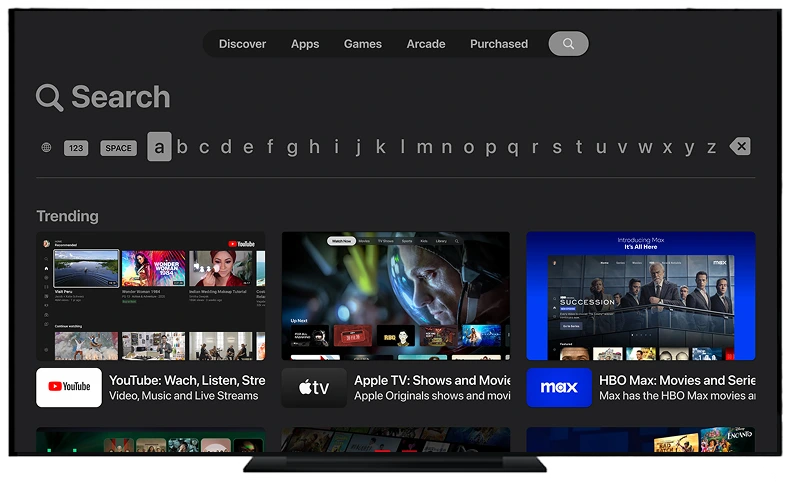
After entering the App Store, move to the top of the screen and select the Search section to start searching for the app.

Download and Install the App
In the designated field, type NimiTV using the on-screen keyboard and press OK to search for the app.
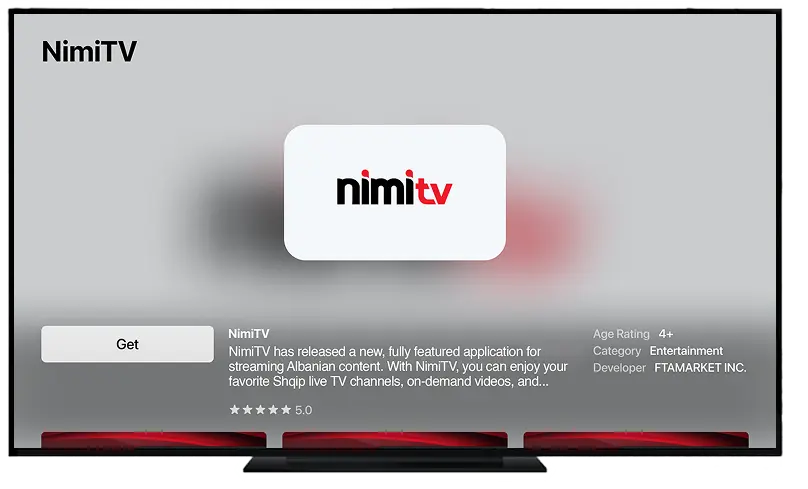
When the NimiTV app icon appears, press the GET button and start the installation process.
Activate NimiTV App
After the installation is complete, open NimiTV app. On the login screen, enter your username and password to activate the app.
For additional information on watching Albanian TV with the NimiTV app on other devices, please visit the NimiTV Albanian TV apps page.